Journal
Dashboard
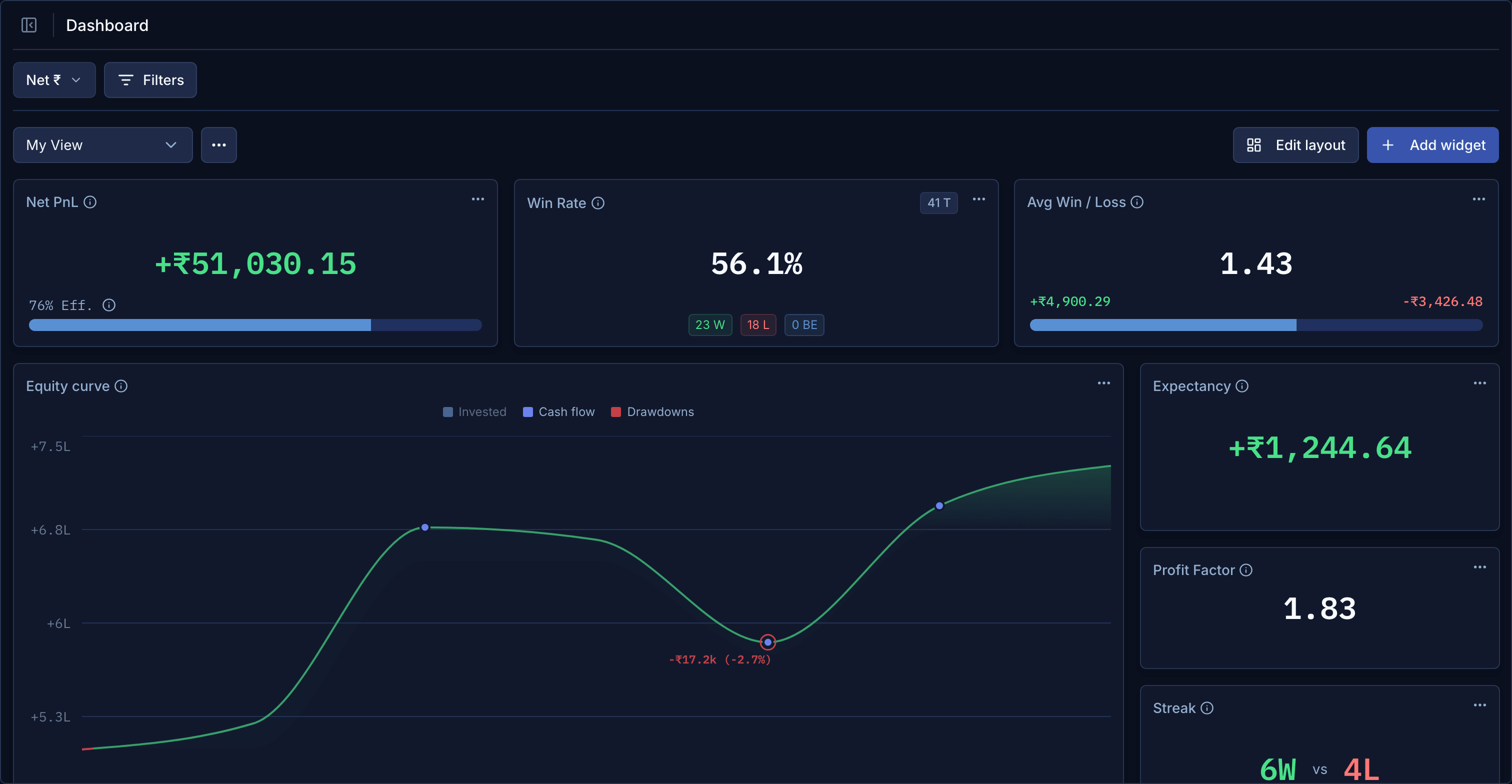
Dashboard Views: build the dashboard you want
Pick your widgets, lay them out, set filters, and save the result as a View. Switch between views for different ways of looking at your trading.
Every trader looks at their numbers differently. Your dashboard now bends to that.
- Pick your widgets and lay them out: drag, resize, remove.
- Set filters for the whole dashboard, like one broker account, only options, or one setup tag, and per-widget settings where they make sense.
- Save it as a View. Your own My View is where you start, and Pro lets you keep more: one for intraday, one for swing, one for a single account.